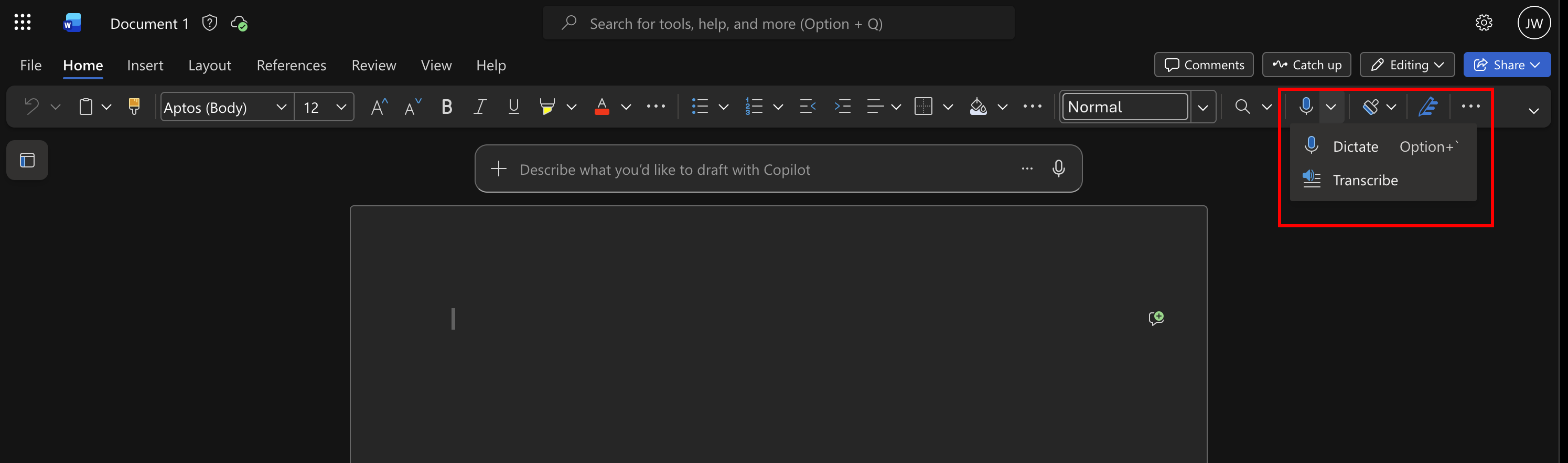
I sometimes record a video or audio call with OBS to help me take notes afterwards. Instead of watching or listening to the recording afterwards, I sometimes like to read the transcript as well.
This is a “quick and dirty” way to create a text transcript from a video recording. If it becomes too cumbersome I may look at an automoted process in the future. But it only takes two steps and a few minutes.
The first step is to enter a terminal and navigate to your video file and extract the audio in mp3 format:
ffmpeg -i <input_name>.mp4 -vn -acodec libmp3lame -q:a 2 <output_name>.mp3
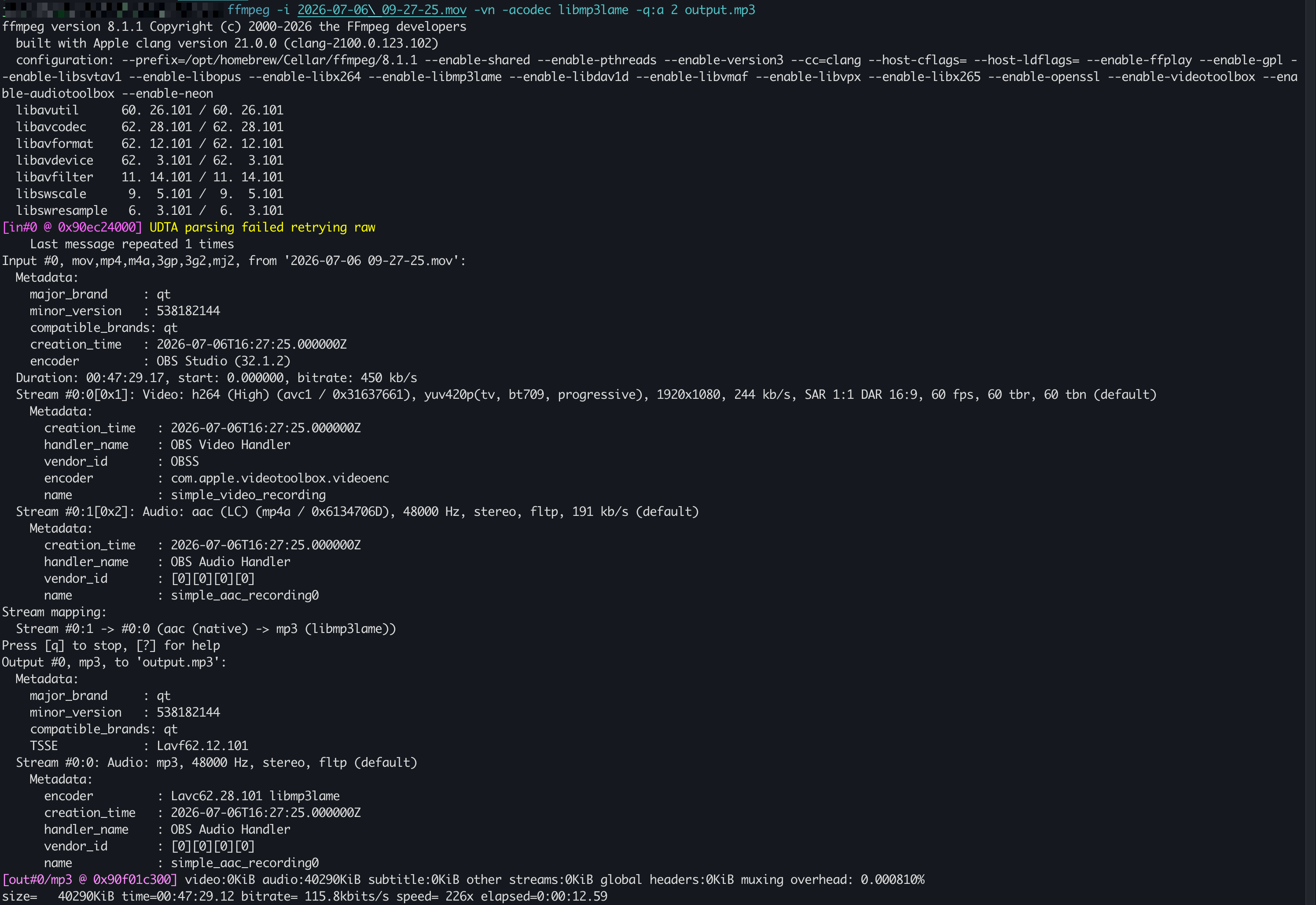
The output should look something like this:
The second and final step is to transcribe the mp3 to text.
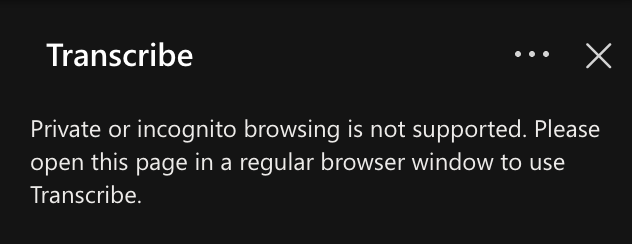
- The easiest solution I found was to open Microsoft Word in a browser. This did not work with FireFox (see error message below) but I have had continued success with Chrome.
- Create blank document
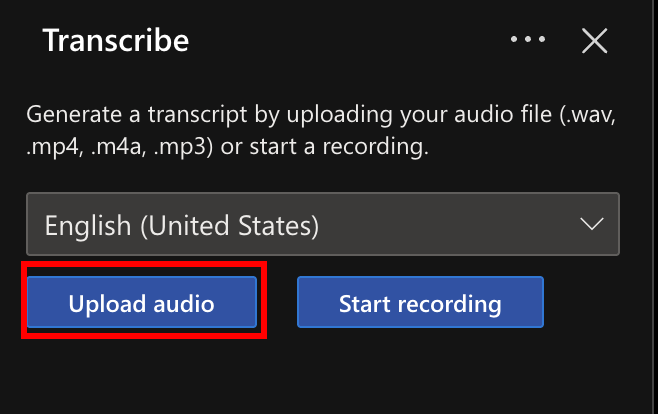
- Then click on the Microphone, Transcribe, Upload Audio
- It may take a few minutes, depending on the length of the mp3
And That’s All Folks!